 12Clean Up After DonnieOptional1
Sales of GTA 6 have stoppedSo that no unsuitable content reaches Egyptian families. This guide is for information only.
Our mission video is coming (6 to 10 seconds)
Buck Me
Watch out1 thing you lose if you leave without it
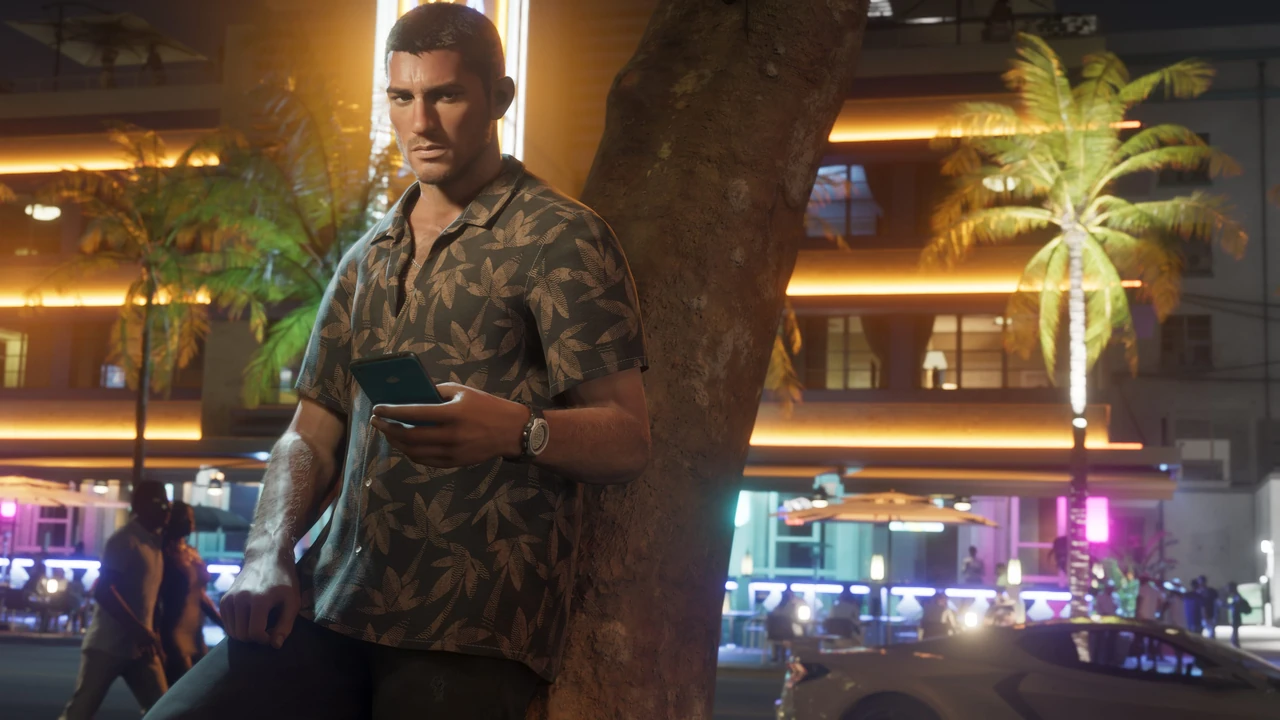
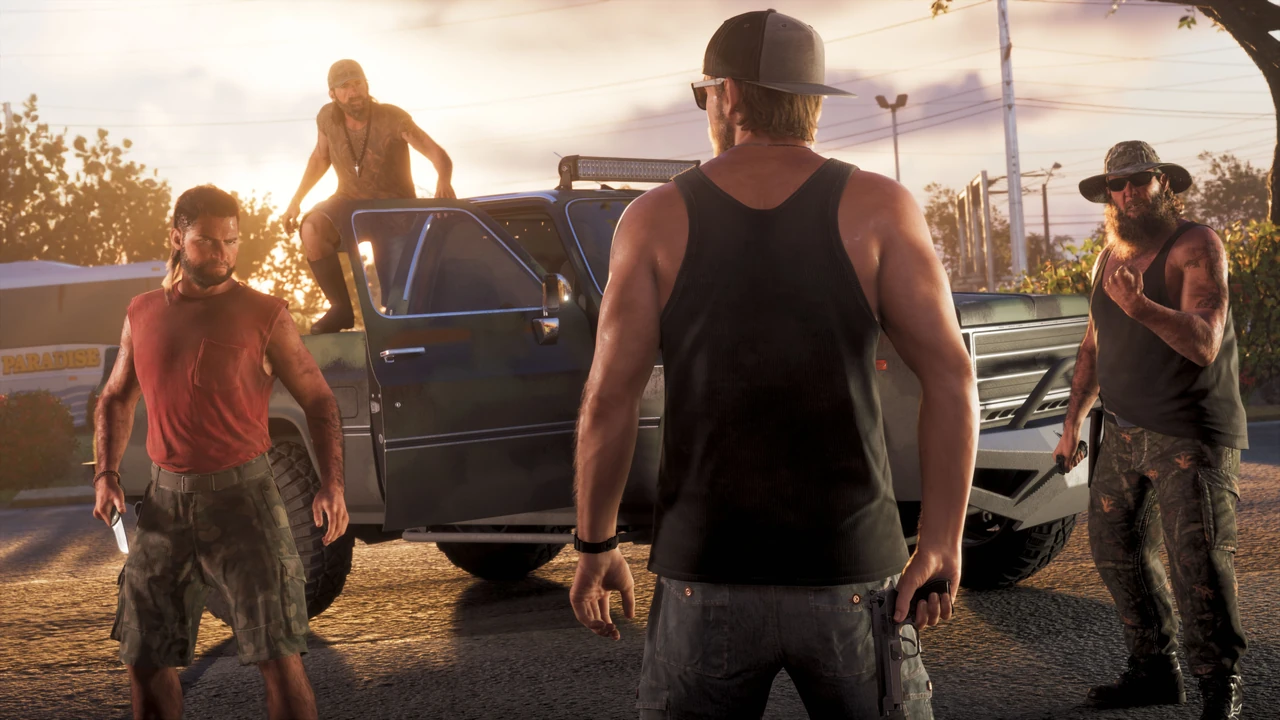
 Official image · our shot is coming
Cash in your pocket, your checking account and Jason's stashAll your money except Family Savings.Take it before you leave
Steps
8 steps. Each step is a photo and a line. Mark what you've done. Photos are temporary until we shoot our own. Tap any photo to enlarge it.
0from 8Step- 1
Go into the Fleeca branch and ask the clerk about opening an account: she sends you to the manager.
- 2
The manager sits at a desk in the right corner: talk to him and follow him into his glass office.
- 3
A choice in the scene: SAY NOTHING or SAVED CASH. The effect of this choice is unknown.
- 4
Their credit is poor and they can't open an account, so the manager suggests the BuckMe app.
- 5
The scene ends with you at home, and a $100 welcome bonus lands in the checking account.
- 6
Open the phone and open the BuckMe app (a purple B).
- 7
Pick Checking Account and set the amount.
- 8
Confirm with “Buck Yourself” to move the money to Family Savings. The mission ends.
The BuckMe app, a bank account, and a $100 welcome bonus. Another source says the amount isn't confirmed.
Previous12Clean Up After DonnieOptional1
12Clean Up After DonnieOptional1