

Yesido HM15 USB/TC to HDMI or VGA Laptop Screen Splitter
Expand Your View —Big Screen. Zero Lag. Yesido HM15 USB-C splitter delivers 1080P@60Hz via HDMI/VGA with ultra-low latency, Actions SG6810 chip, plug & play.
Earn 1,499 points on purchase
Available now
-
Maadi Nasr street, in front of SAIB Bank Maadi, Cairo, Egypt
-
City Stars City Stars Mall (Stars Center), 2 Omar Ibn El-Khattab Street, Nasr City, Cairo 11771
Not available now
-
Point 90 Point 90 Mall, 3rd floor in front of the cinemas, 5th Settlement, New Cairo, Cairo 11835
-
Amreciana Plaza Americana Plaza, Sheikh Zayed City, Giza 12588
-
Mohandessin 7 Wadi El Nile Street, off Gameat Al Dewal Al Arabeya Street, Mohandessin, Giza
-
6th Of October Green Park Mall, 26th of July Corridor, in front of 6th of October Club, 6th of October City, Giza
-
Alexandria City Centre City Centre Alexandria Mall, Gate 4, Cairo-Alexandria Desert Road, Alexandria
-
Bostan Mall 2 Al Bostan 2 Mall, Road 15, 1st District Services Zone, behind New Cairo Courthouse, 5th Settlement, New Cairo 11835
About the product
Yesido HM15 USB/Type-C to HDMI or VGA Laptop Screen Splitter
--- Bigger Screen. Faster Response. ---
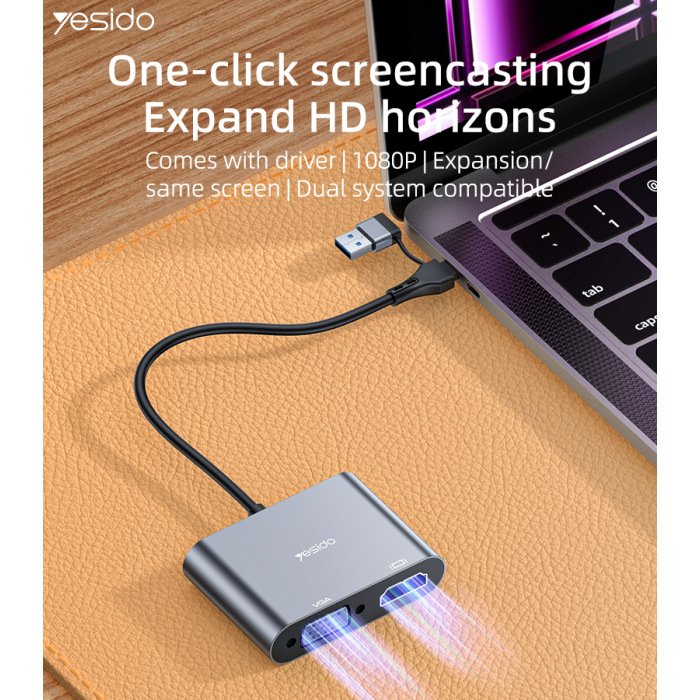
The Yesido HM15 lets you connect your laptop to an external display via HDMI or VGA with ultra-low latency and quick, millisecond-level response. Powered by the Actions SG6810 chip for efficient video transmission, it supports 1080P at 60Hz for smooth viewing, gaming, and presentations.
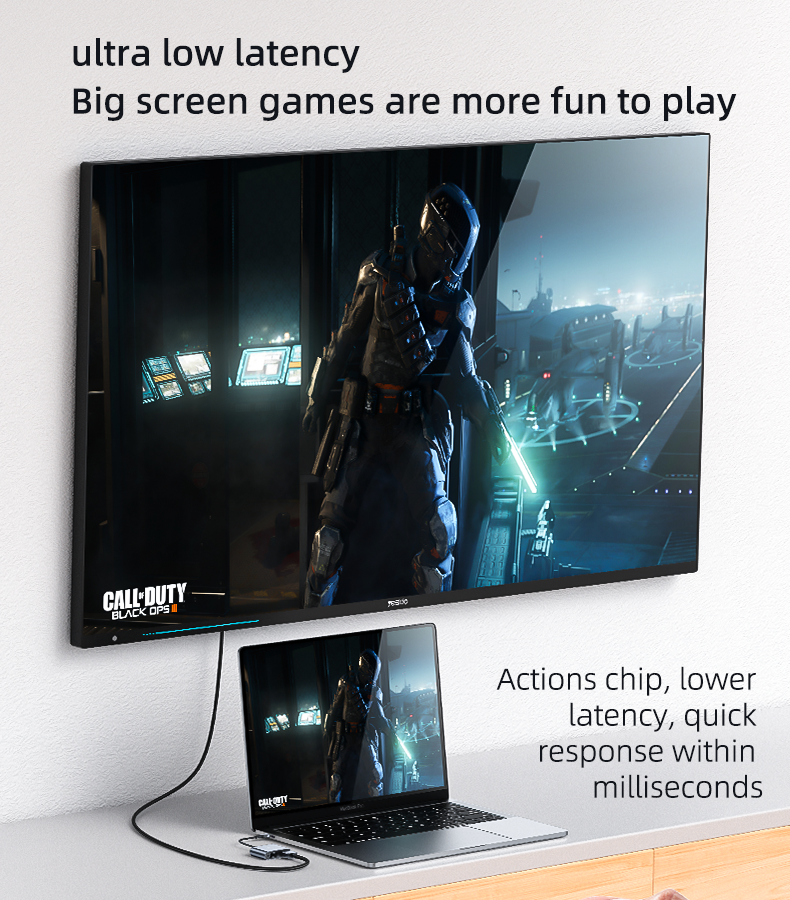
Ultra-Low Latency for Games & Streaming
Lower latency and faster response help keep your big-screen output smooth and more enjoyable for gaming and video.
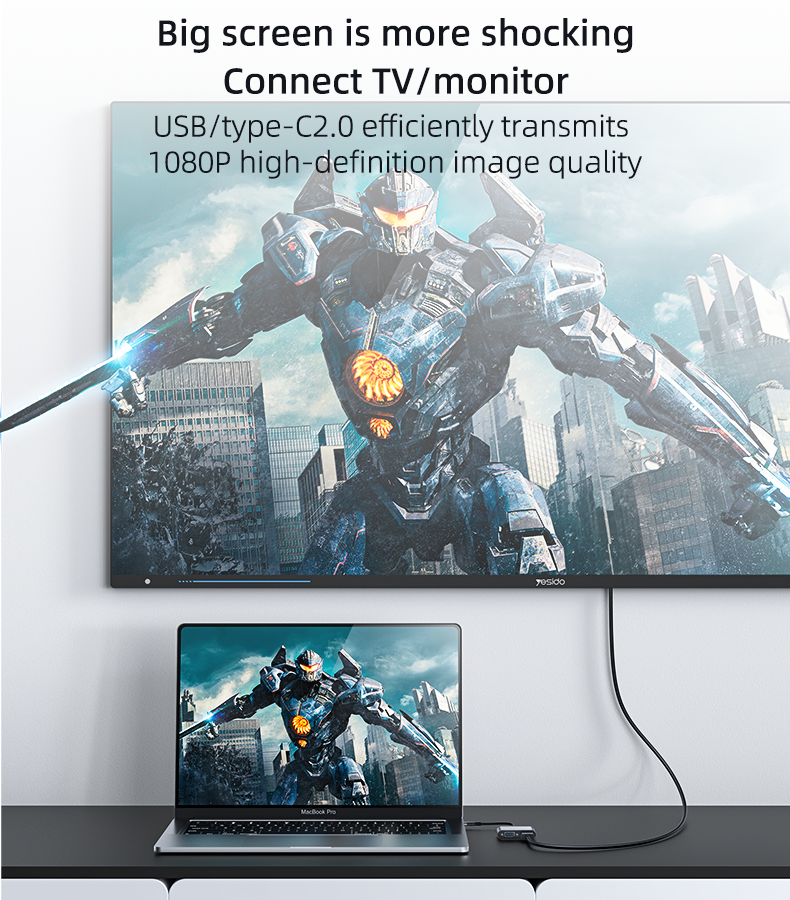
HDMI / VGA Output up to 1080P@60Hz
Outputs up to 1080P at 60Hz through HDMI or VGA, helping reduce stutter for a cleaner, smoother display experience.
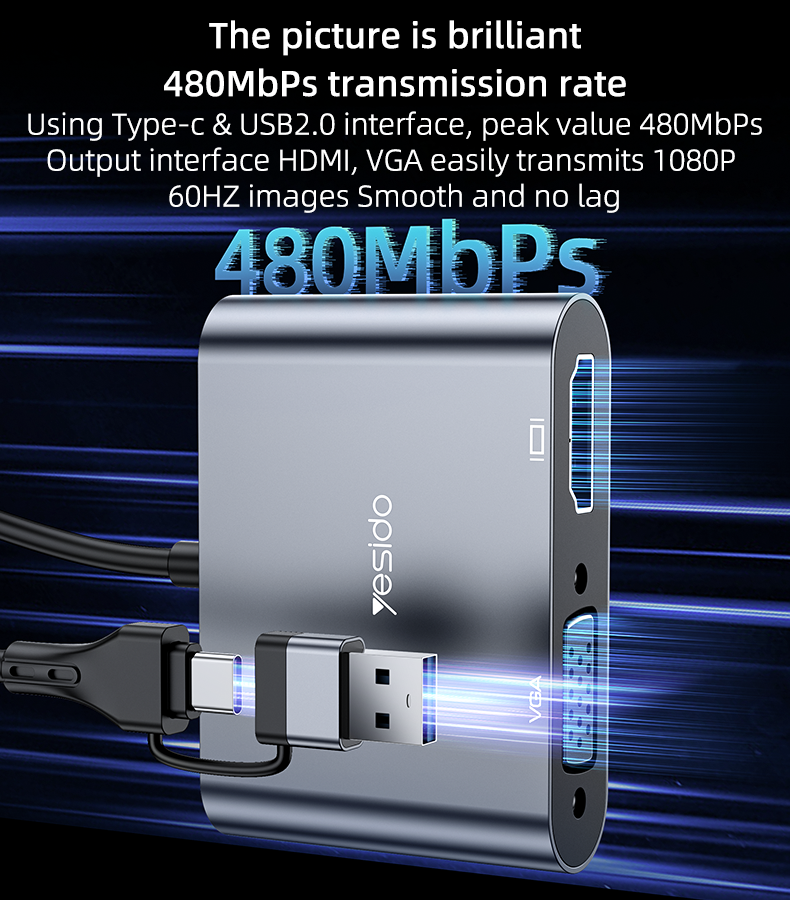
USB 2.0 + Type-C (Up to 480Mbps)
Uses USB 2.0 and Type-C interfaces with an advertised peak transfer rate of 480Mbps for efficient video transmission within the limits of the port.
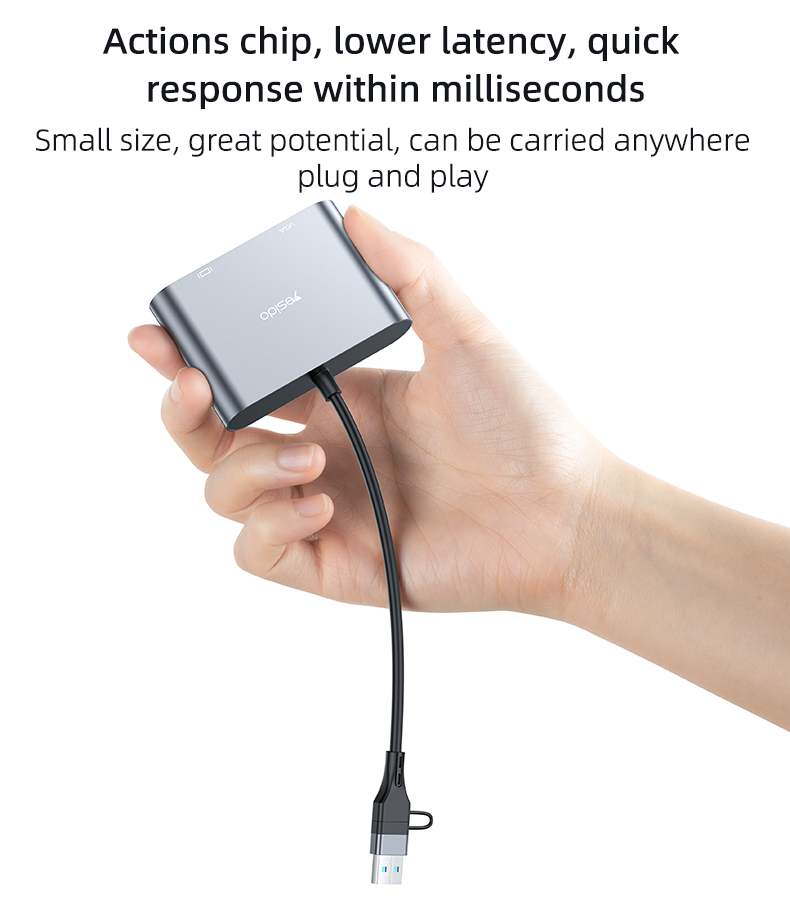
Compact Design + Plug & Play
Small, portable form factor—easy to carry anywhere. Quick setup helps keep your desk clean and your workflow simple.
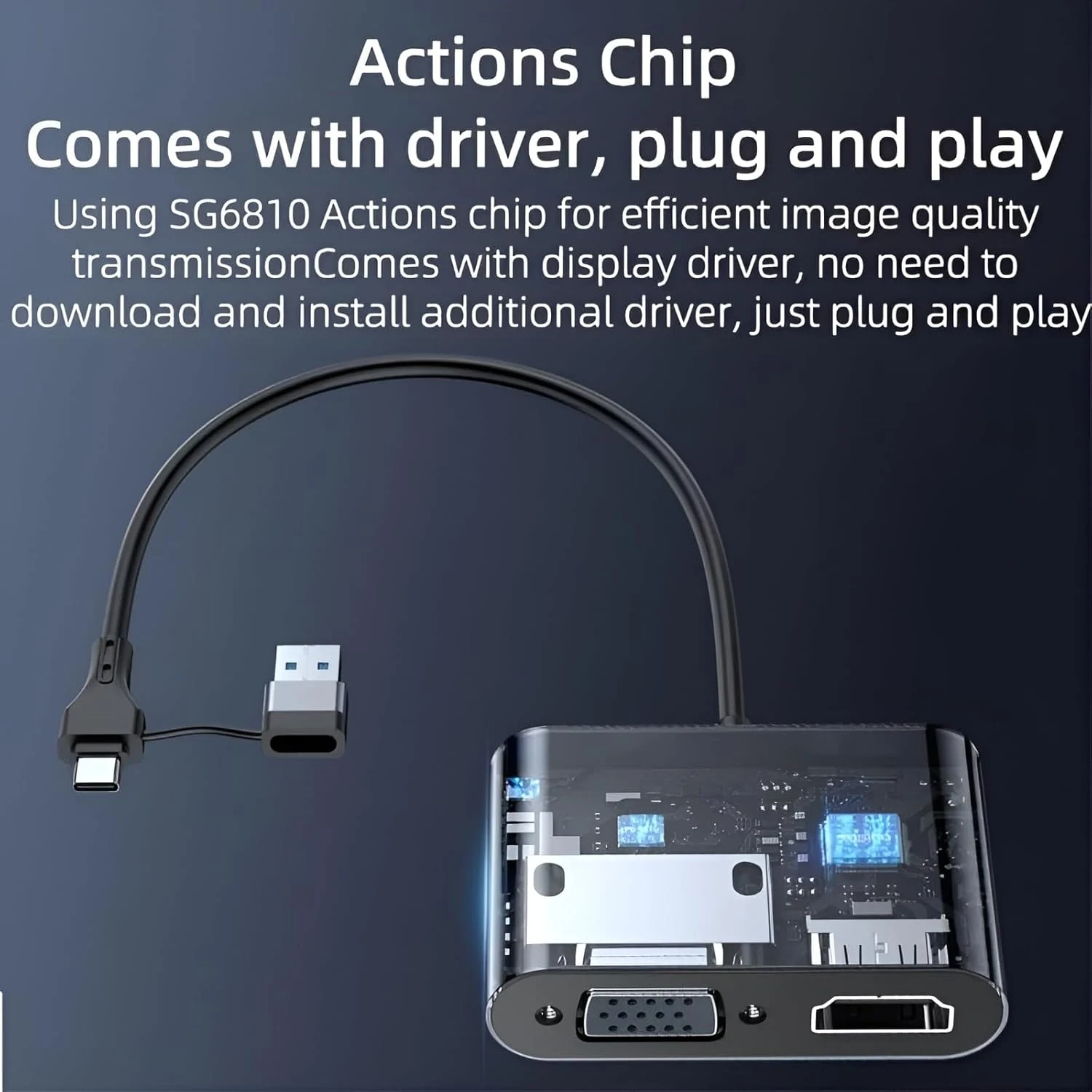
UDisplay Driver (One-Step Setup)
The computer can automatically install the driver after you plug in the split-screen device. If the driver doesn’t appear, check installation stability or temporarily disable antivirus tools that may block driver files.
Display Modes: Extend / Simultaneous Multi-Screen
After connection, the default mode is screen extension, and you can switch to multi-screen simultaneous display. Note: If the number of external screens is 2, you may only be able to use simultaneous display mode.
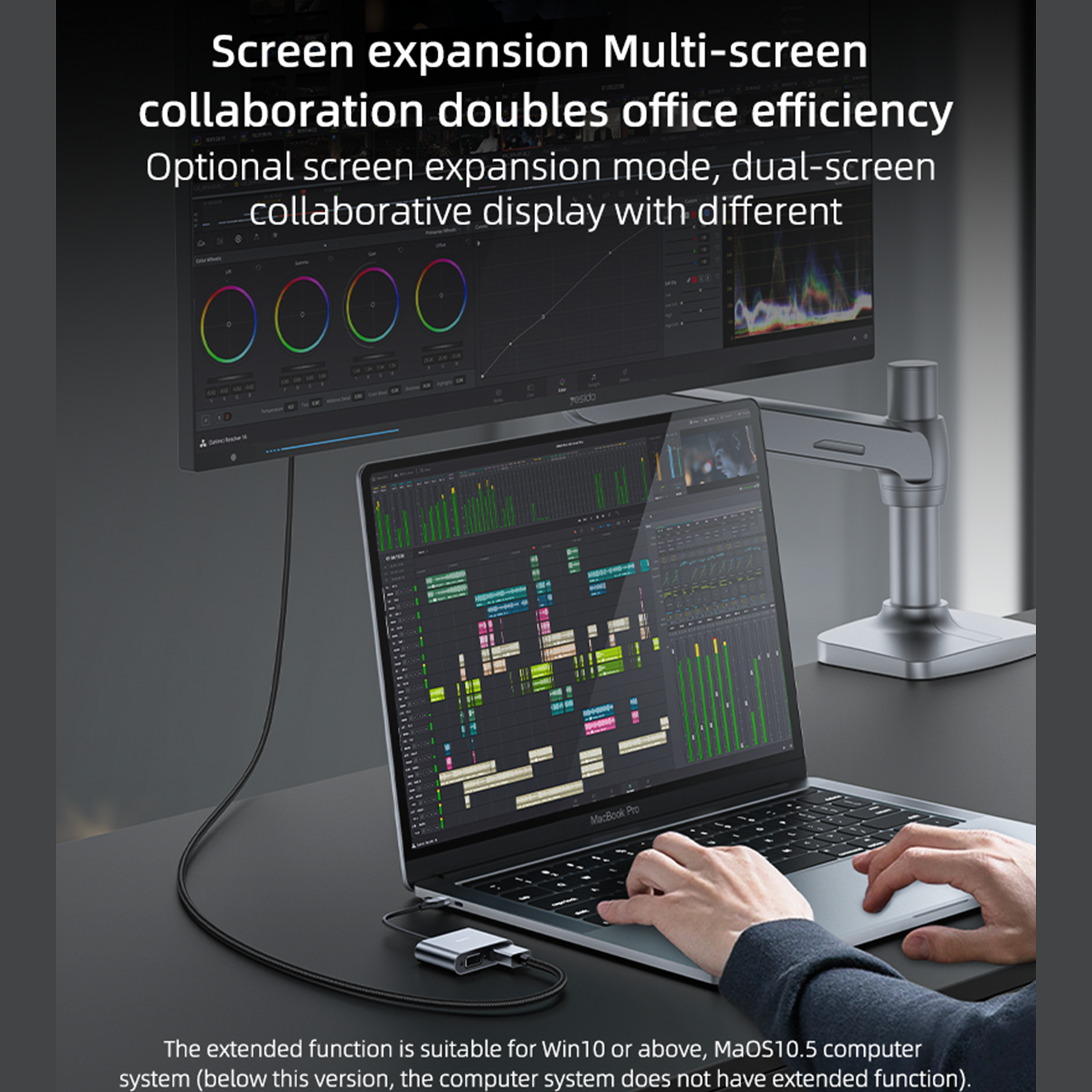
Compatibility Notes
The extended function is stated as suitable for Windows 10 or above and MacOS 10.5 or above. (Below these versions, extended function may not be available.) Resolution and features can vary by device and OS.

Show More. Get More Done.
Built for meetings, live broadcasts, and display halls—one compact tool that brings your laptop to the big screen fast and reliably.
Specifications
Product
- Condition
- New
- Release date
- 25 January 2026

You may also like

Teslagrad 2
PC Digital Games EGP 225.59
Redragon UCA-4 RGB USB-C Hub 4-in-1 4K@60HZ HDMI 100W PD
Adapters & Hubs EGP 1,550
Cris Tales
PC Digital Games EGP 2,255.21
Onimusha Way of the Sword Lenticular Edition - PS5
PS5 Games EGP 3,499
Sclash
PC Digital Games EGP 101.37


